
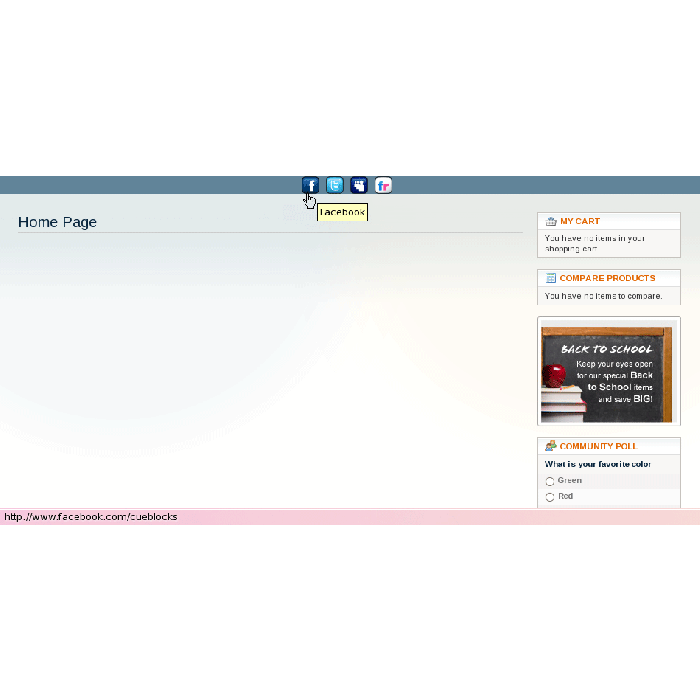
Social Bookmarking Icons
Social Bookmarking Icons extension allows you to "share" products / page on various Social Networking sites as chosen by you.
In stock
SKU
social-bookmark
$0.00
This extension allows you to share products / page on various Social Networking sites. You can insert the icons you want and then choose to display them anywhere in your theme. Installation Guidelines:
- Login into your Magento admin & go to System->Magento Connect Manager.
- Use the extension key to install extension "Social Bookmarks Icons" & click on Install.
- Once installation is completed by Magento Connect Manager, do the following :
- Log out from the admin area
- Clear Magento cache
- Login into Magento admin and click on "Social Icons -> Manage Icons" menu to manage your Icons.
- By default, Social Icons will not be displayed on frontend / client until below given code is added on template page. <?php echo CUE_socialIcons(); ?> For example, to display icons on footer, edit your footer.phtml in Theme directory in YOUR_THEME/template/page/html/ and paste the above code where ever you want to display icons.
- Clear Magento Cache if you don't see icons on the frontend.
You can directly download this extension from magento-connect
| Community | 1.3, 1.4, 1.5, 1.6 |
|---|
Need this extension for an older Magento version? Contact Us
Write Your Own Review