
Quick Action Attribute Values or Labels
Quick Action Attribute Values or Labels extension allows you to add, search and delete attribute labels for user defined attributes.
In stock
SKU
cueblocks-attributes
$0.00
Quick Action Attribute Values or Labels extension lets you to add, search and delete labels or values for the user defined (multiselect and dropdown) attributes. Skip loading all the attribute labels and directly input the new attribute values or labels with 'Quick Action - Attribute Values' extension. This extension will also check for duplicates. When an attribute has large number of values or labels, the page takes longer to load. With this extension, you don't need to load the page at all. You can directly input the new labels or values.
- Install the CueBlocks Attribute Value extension using Magento Connect.
- Log out from admin.
- Clear cache and login again.
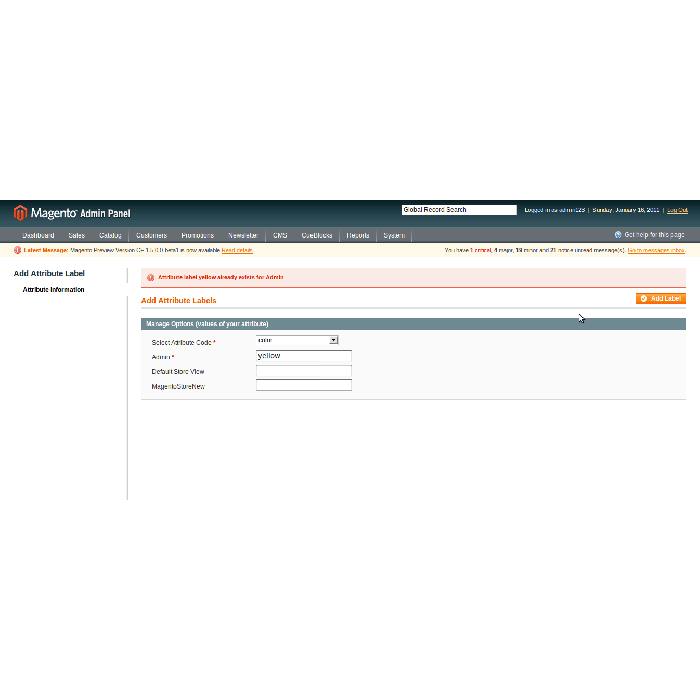
- To add a new attribute label go to CueBlocks > Attribute Labels > Add Attribute Labels.
- To delete or search attribute label go to tab CueBlocks > Attribute Labels > Delete Attribute Labels. Note: To delete the value form all stores, delete the "admin" value. To only delete the 'store view' value, search a particular store view and delete value. In this case, the store view will start displaying the "Admin" value for that attribute once "store view" value has been deleted.
- Values can be added for all store views.
- It will not allow duplicate value to be entered per store.
For help, please get in touch with us at magento@cueblocks.com.
You can directly download this extension from magento-connect
| Community | 1.3, 1.4, 1.5, 1.6 |
|---|---|
| Enterprise | 1.10, 1.11, 1.12 |
Need this extension for an older Magento version? Contact Us
Write Your Own Review